
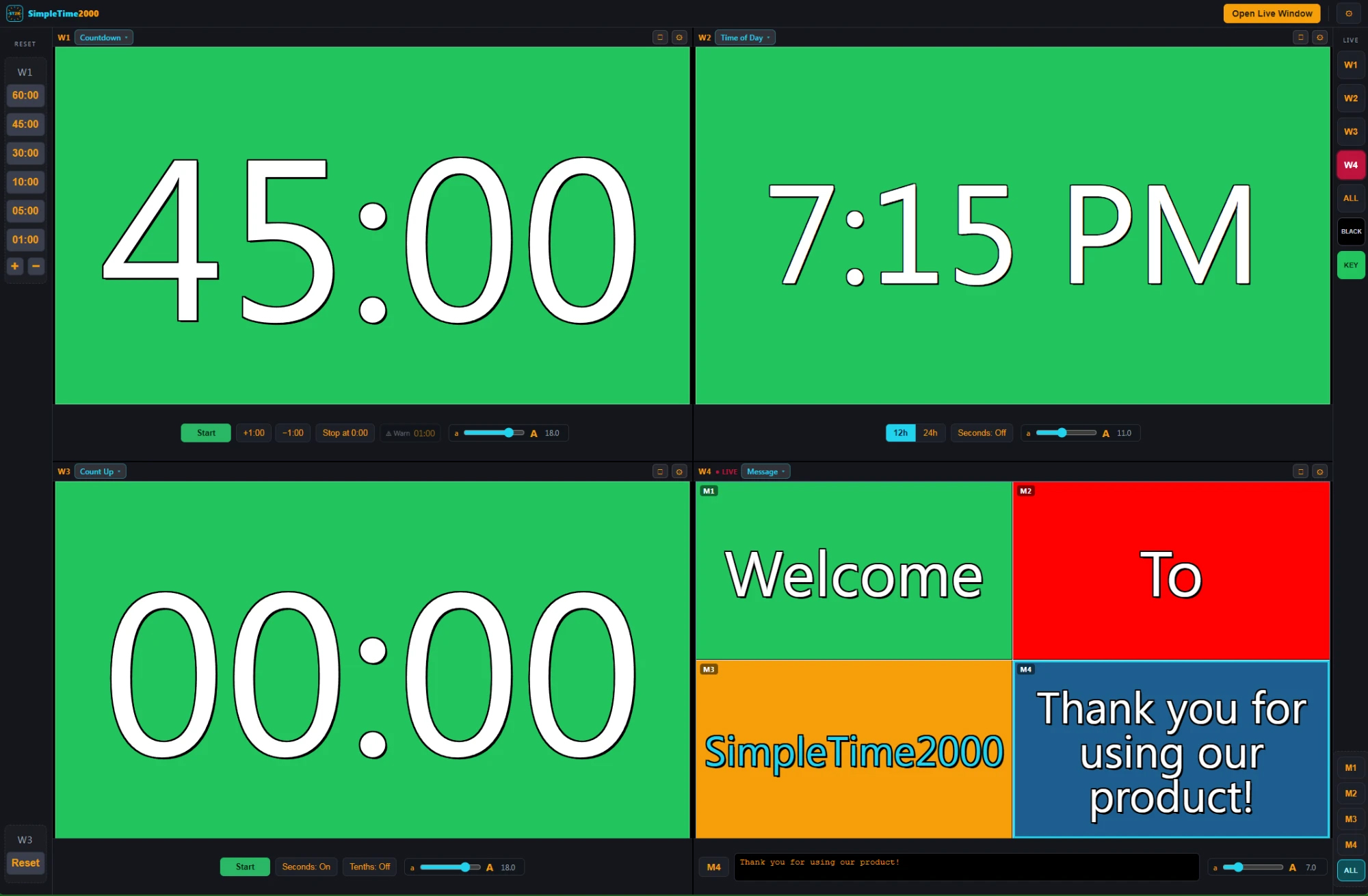
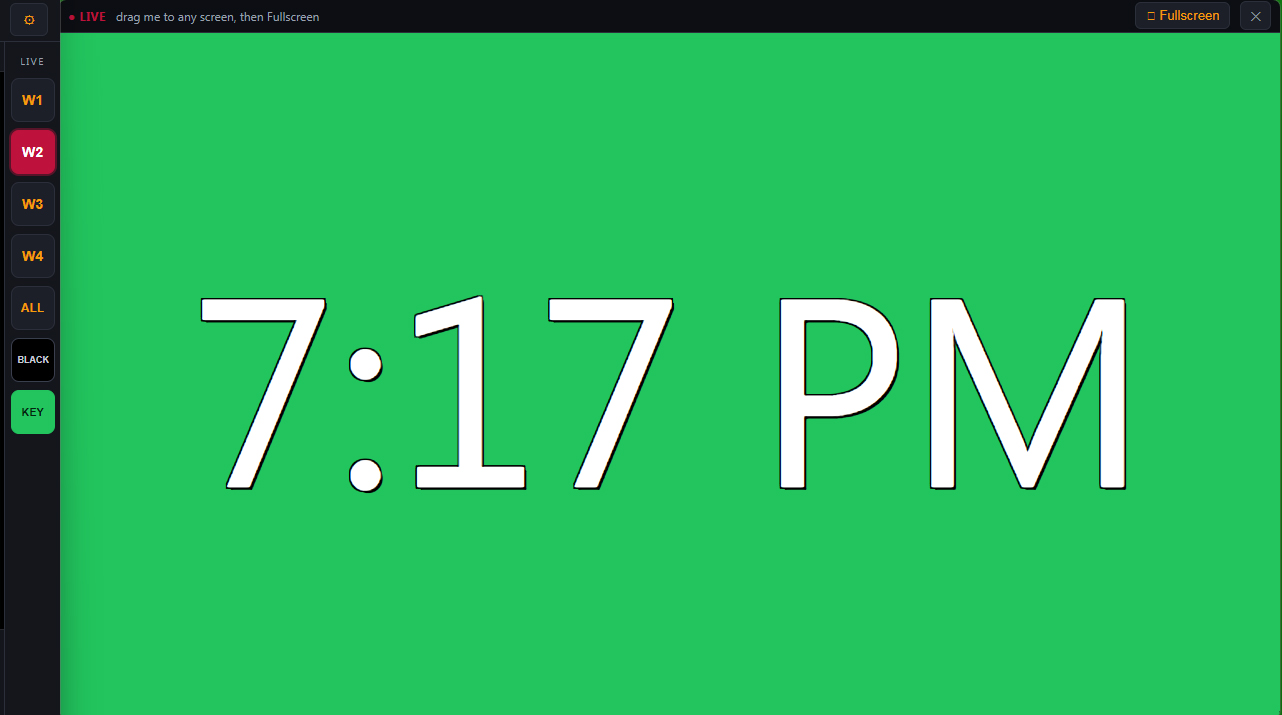
Event timer software for live events — keep your speakers, presenters, keynotes, and general sessions on time and informed. Countdown, count-up, time-of-day clock, or an on-screen message, up to four windows at once.

Event timer software for live events — keep your speakers, presenters, keynotes, and general sessions on time and informed. Countdown, count-up, time-of-day clock, or an on-screen message, up to four windows at once.
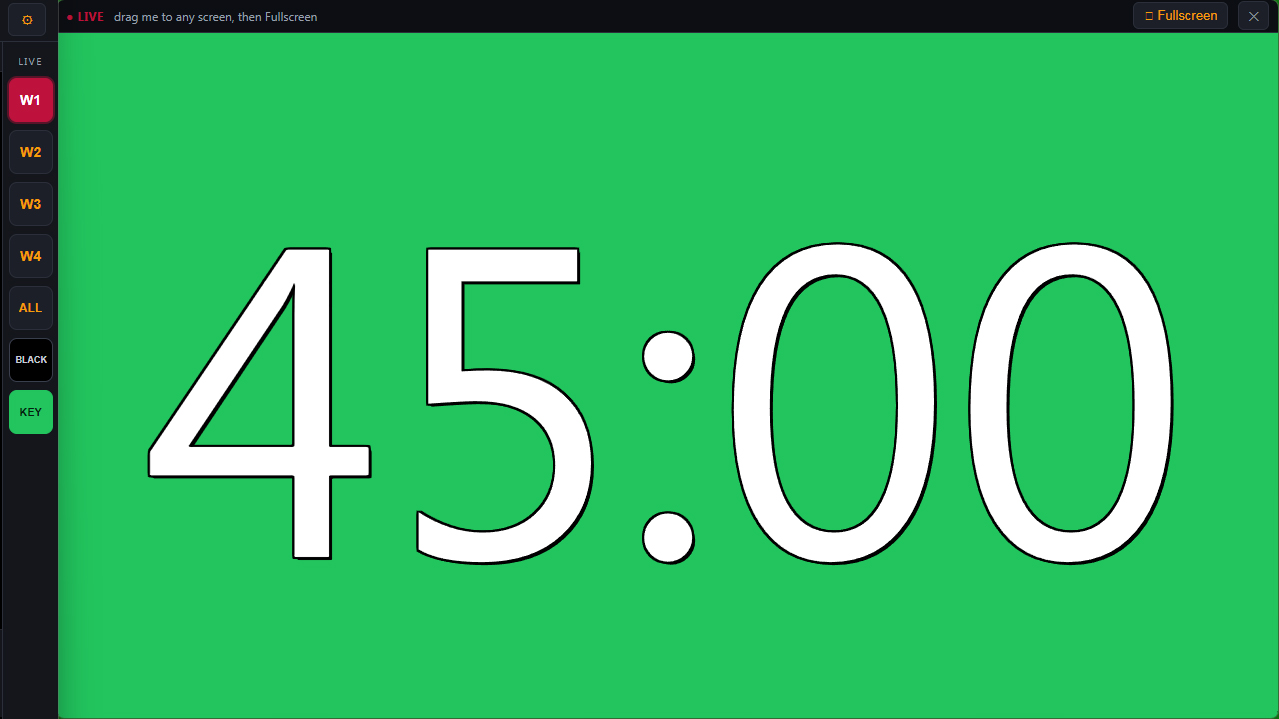
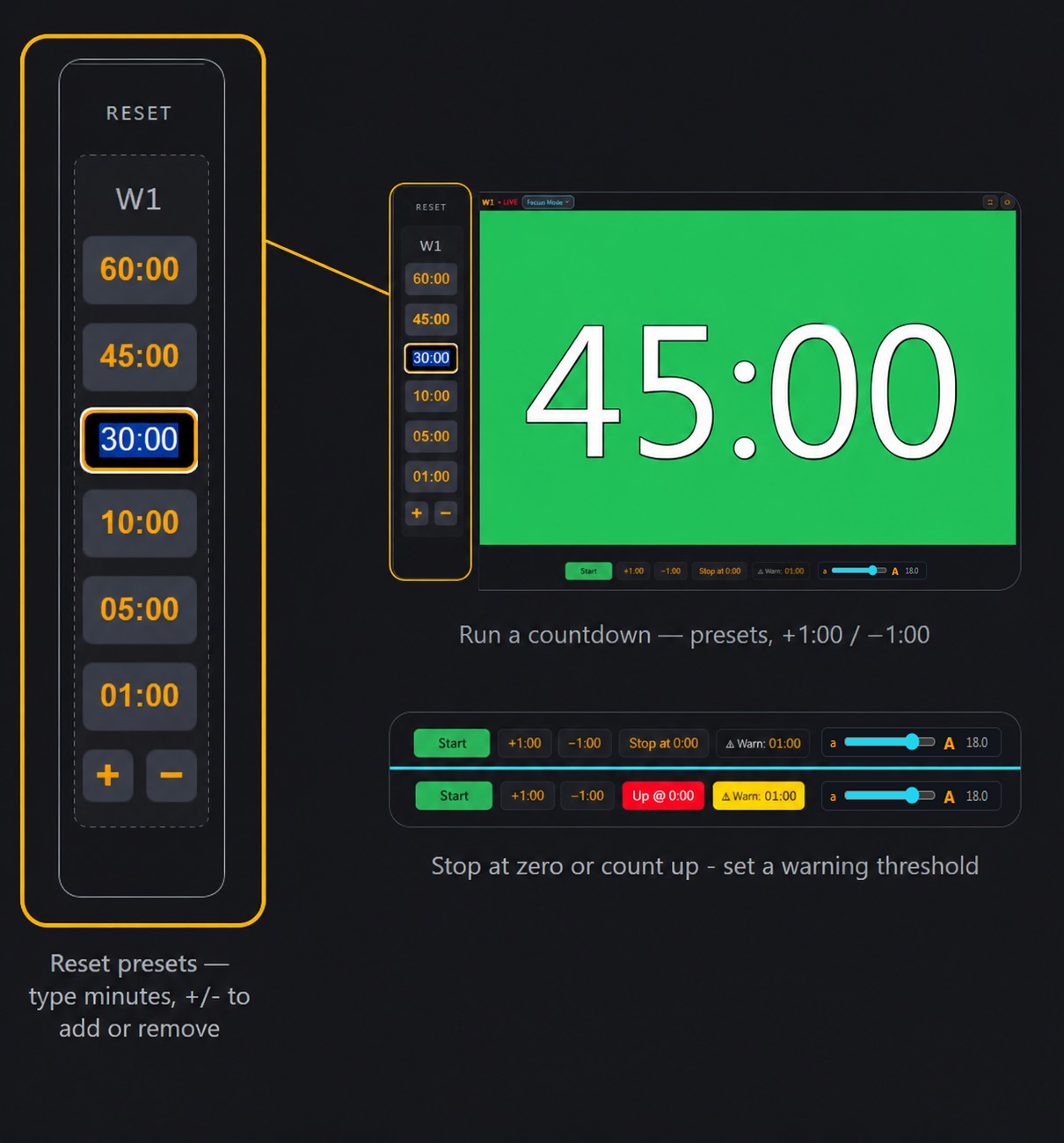
Keep the controller on your primary desktop while the clean Live Window outputs to a second monitor — or straight into a production switcher. The green shown here is the chroma-key color you can key out. Choose your own color scheme as it suits YOU!
Run four independent windows at once — each set to exactly what your show needs.
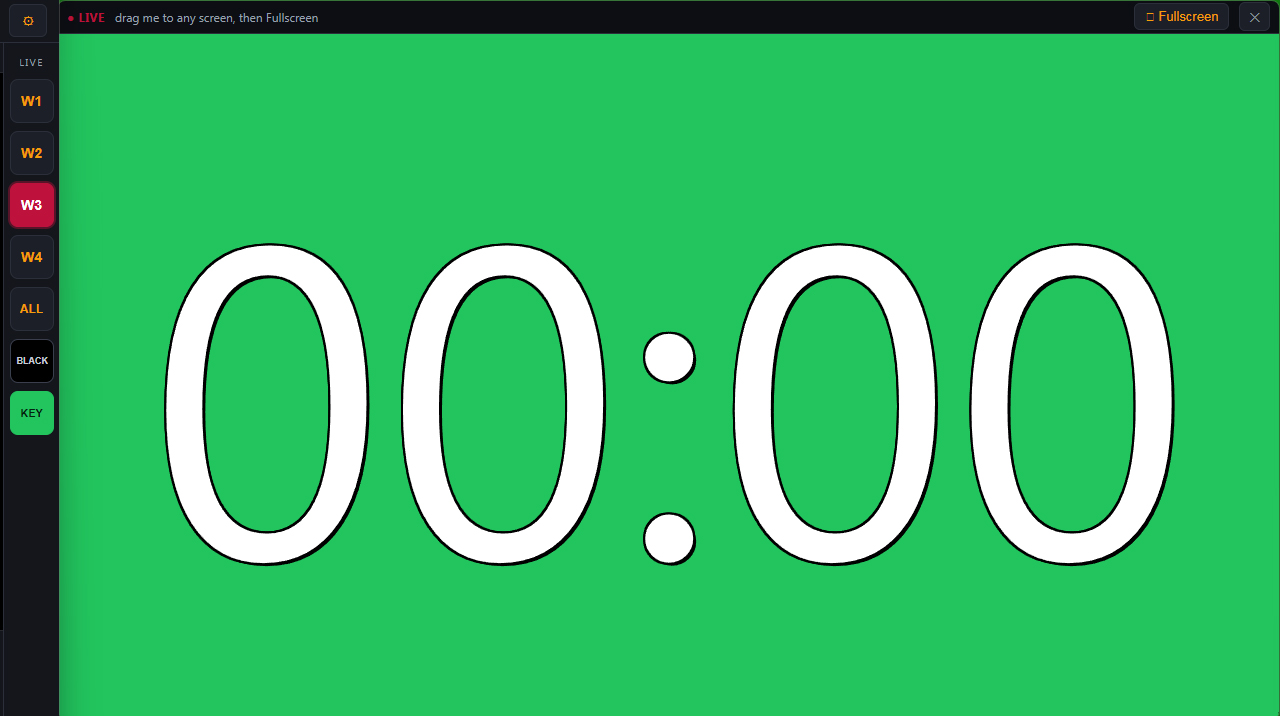
Every window picks its own mode and runs side by side.
Stop dead at zero or keep counting up past it, set a warning threshold, and add or pull a minute live with +1:00 / −1:00.
Reset presets you type in plain minutes (45 → 45:00), plus add or remove presets with + / −.
A four-slot message bank (M1–M4), each its own style — swap which one is live in a tap.
Drag a clean Live window to any monitor and fullscreen it for the audience — no controls, just the board.
One click sends a full BLACK or a chroma KEY color to the Live screen for switchers and keyers.
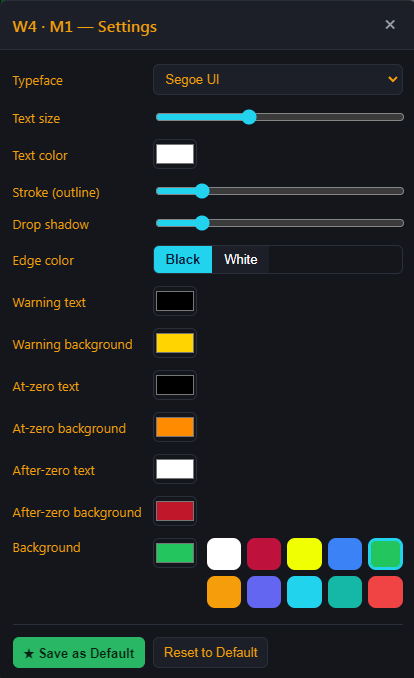
Typeface, size, stroke, and drop shadow per window — plus a full color picker for warn / at-zero / after-zero states and backgrounds. Drag your palette swatches right onto any color box.
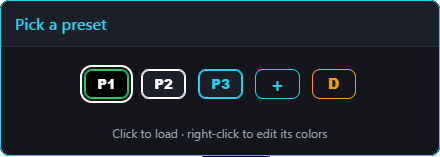
Build a window setup once, then keep it as a preset. Tap P1, P2, P3… to load it instantly — your timers keep running right through the switch. Right-click any preset to name it and recolor its border, fill, and text; + adds a new one and D duplicates the current. Name them your morning session, the keynote, the awards block — all one tap away. Each preset is a full board — it carries its own color scheme and its own M1–M4 message bank, so every preset you add is four more messages loaded and ready.
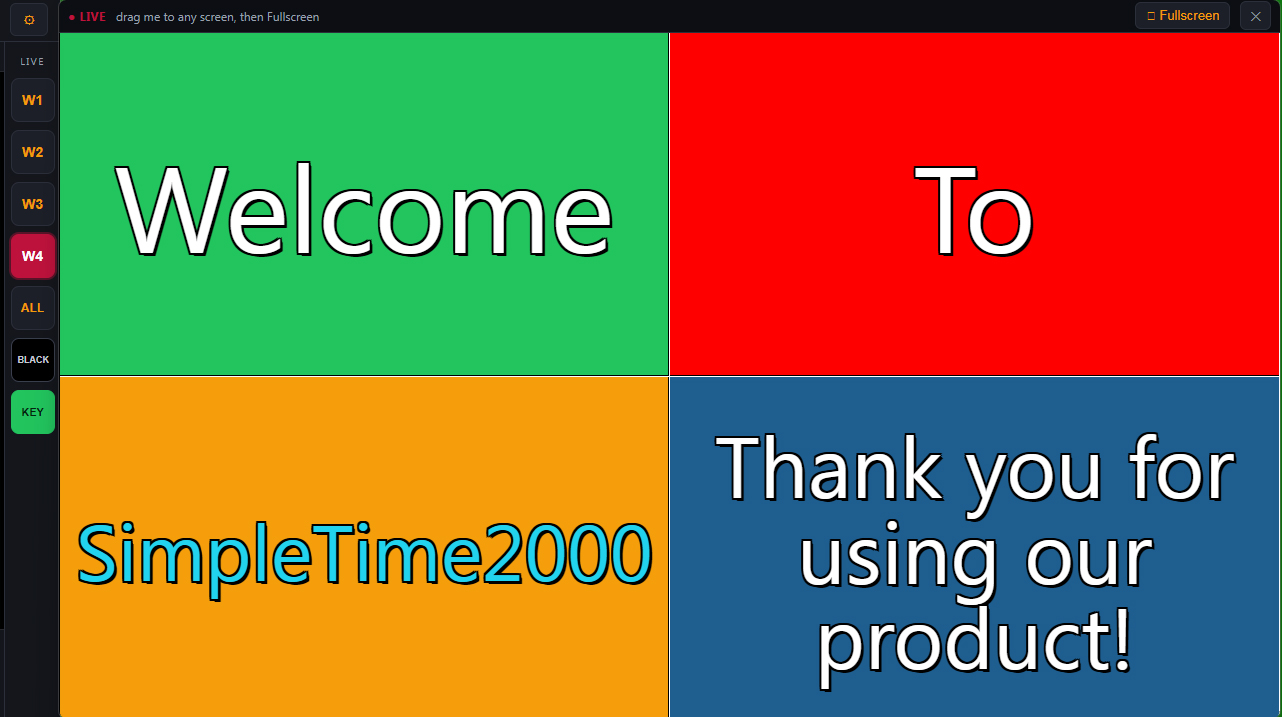
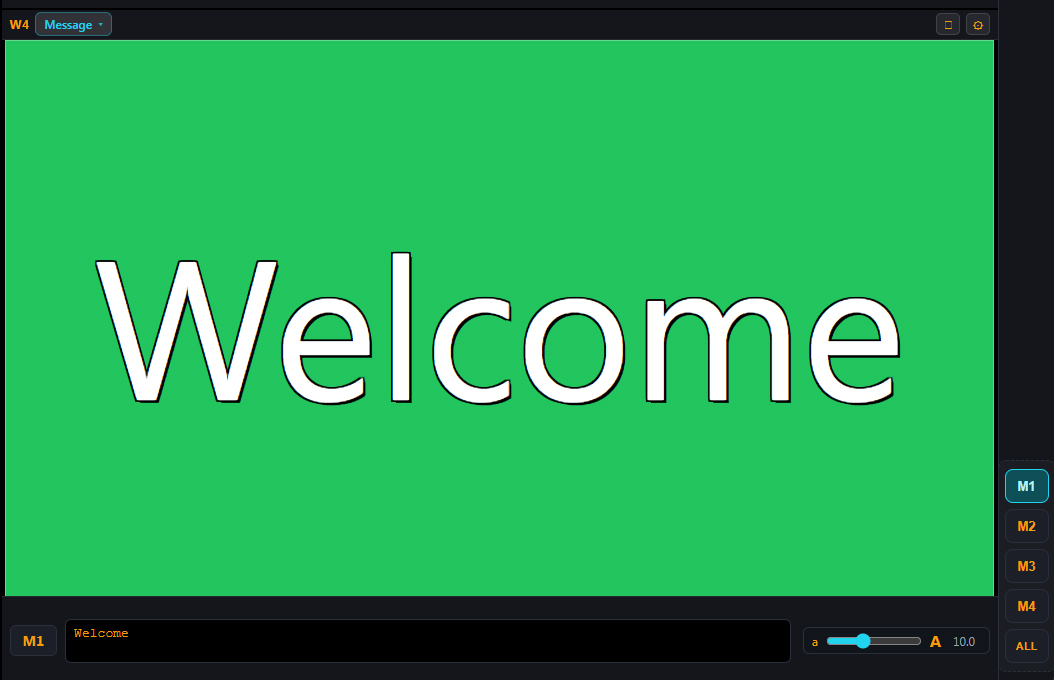
Set any window to Message and it becomes a four-slot bank — M1 to M4. Style each one its own way (font, size, color), then drop any message on the Live screen with a tap. Walk-in welcomes, sponsor thank-yous, “back in 5” holds — all loaded and ready to fire.
For Windows 10 / 11 · macOS · Ver 1.0
Download for Windows›
Download for Mac›
Free for 7 days, then $29.99 / Year. See the details →
Get your activation code today!
Buy Now — $29.99 / YearTWO concurrent activations per key!
Booth machine + spare, or old computer + new computer — your two, same year.
Both begin (and end) with the same 365-day term, measured from the purchase date.*
*Activation date is the purchase date for both activations.
Windows 10 / 11 · macOS · Ver 1.0 · Published by SimplePlay2000 Ltd. Digitally signed & notarized — code-signed for Windows, notarized by Apple for Mac.
 SimplePlay2000
SimplePlay2000 — our pro cue & playlist player for live events. Organize, duck and play announcements with ease. If you run sound, you'll want the pro soundboard for live events.
Check outSimplePlay2000 →